
General Specifications – GTxcel Platform
- Advertiser supplies the ad, or Naylor can create your ad for a fee
- Click here to read about some user-friendly ad templates
- Click here to download a zip folder that includes those ad templates
- Any supplied bitmap, vector, or PDF artwork must be 300 dpi
- Any supplied JPG, PNG or GIF artwork for digital ads must be 72 dpi
- Animated GIFs are accepted on the leaderboard and rectangle positions in GTxcel’s page view (please be aware that GIFs are compressed and may be viewed at slightly lower resolution)
- Minimum of 18 pt font size (depending on font style) is recommended for legibility purposes when viewing digital editions
- Ad server tags and URL click trackers are accepted
- Advertiser supplies URL ad should link to (email addresses can be used as a URL/Web link)
- Third-party Javascript/iFrame tags are not accepted
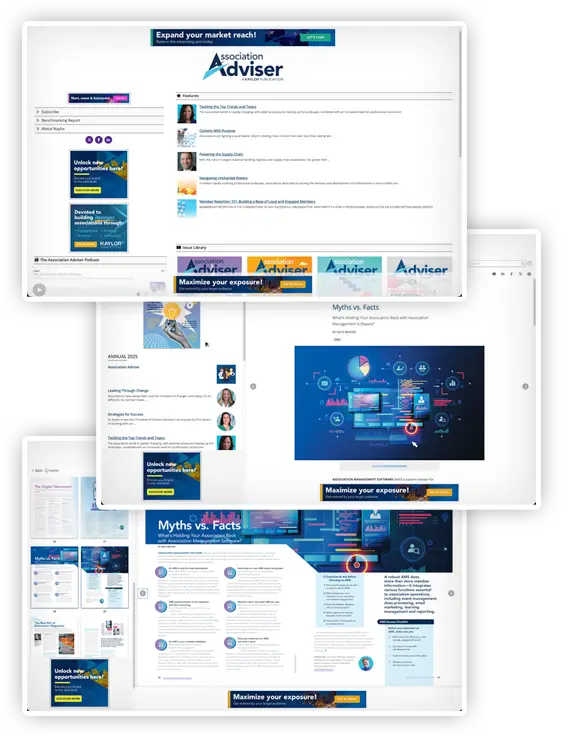
Click here for a live sample of a digital magazine/directory
Run of Site (ROS) Digital Ad Units
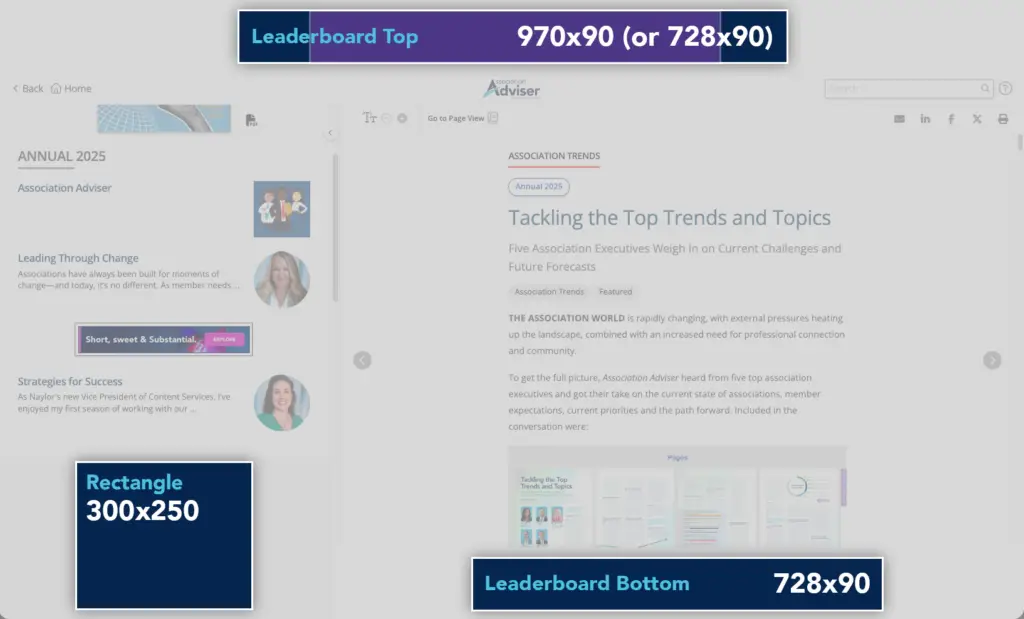
The following positions are purchased for the duration of a digital edition issue, showing on all pages, including the content hub, reading view, and page view of the current issue and all past issues. These positions will be replaced upon publishing of the next issue when a new advertisement is sold.
Leaderboard (Top)
- 970 x 90 pixels (or 728 x 90 pixels), 320 x 50 pixels, @ 72 dpi
- Creative accepted: JPG, PNG, GIF (static or animated)
- 2nd size is required for mobile responsive display
Leaderboard (Bottom)
- 728 x 90 pixels, 320 x 50 pixels, @ 72 dpi
- Creative accepted: JPG, PNG, GIF (static or animated)
- 2nd size is required for mobile responsive display
Rectangle
- 300 x 250 pixels, @ 72 dpi
- Creative accepted: JPG, PNG, GIF (static or animated)
Content Hub Exclusive Digital Ad Units
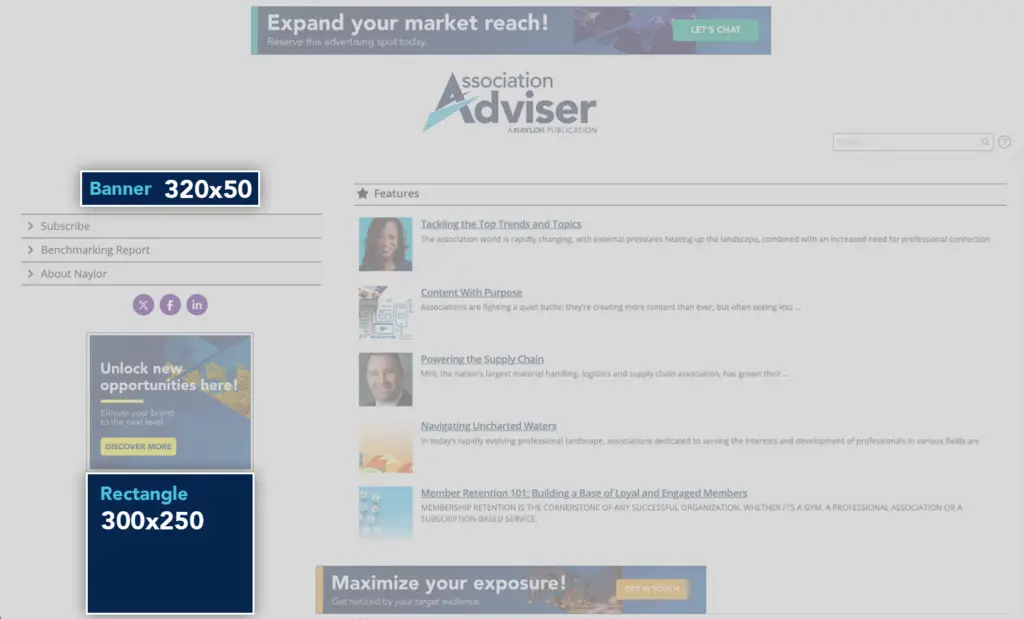
The following positions are exclusive to the content hub, the first destination of all digital edition promotions when a new issue is published and are purchased for the duration of a single digital edition issue or multiple issues.
Content Hub NavBar Sponsor Ad
- 320 x 50 pixels, @ 72 dpi
- Creative accepted: JPG, PNG, GIF (static or animated)
Content Hub Rectangle
- 300 x 250 pixels, @ 72 dpi
- Creative accepted: JPG, PNG, GIF (static or animated)
Per Issue Digital Ad Units
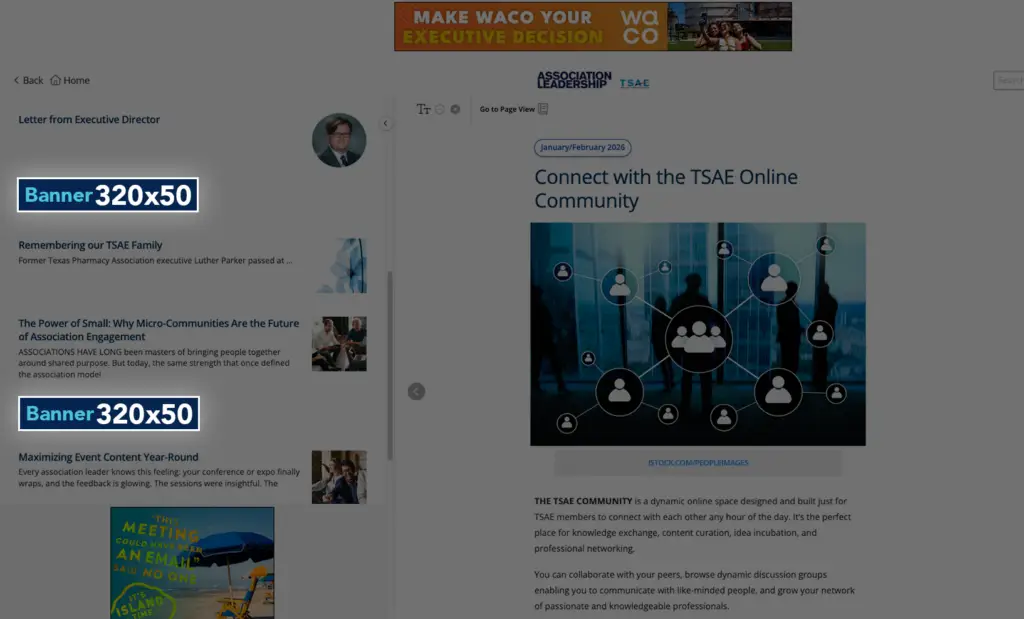
The following positions are purchased and placed on a per issue basis, and will remain on the designated issue that they were placed on for future navigation.
Mobile Table of Contents (TOC) Banner – Reading View
- 320 x 50 pixels, @ 72 dpi
- Creative accepted: JPG, PNG, GIF (static or animated)
- On a desktop, the mobile TOC banner ad appears within the table of contents
of the magazine in the reading view. The table of contents and the TOC banner appear after clicking or tapping the contents icon in mobile view - The top mobile banner appears after the first article. Subsequent mobile banners appear every two articles after
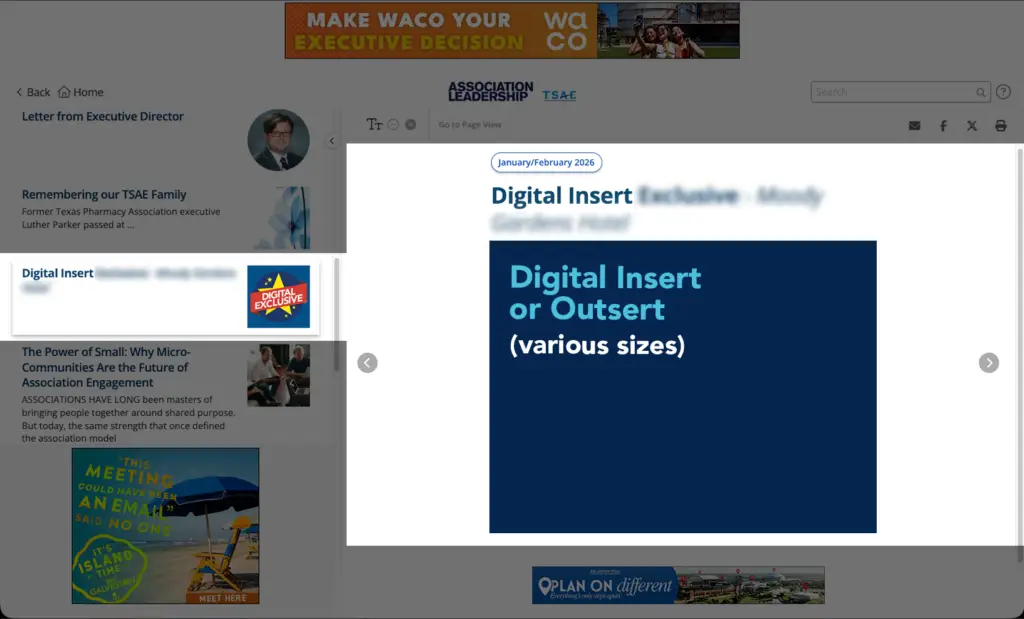
Medium Digital Insert (1/2 Page)
- 8.375 x 4.583 inches, @ 72 dpi
- Creative accepted: JPG, PNG, GIF (static or animated)
- Digital insert ads can be placed between any article pages in the reading view, or placed at the back of the digital magazine (as a digital outsert)
Large Digital Insert (2/3 Page)
- 8.375 x 6.333 inches, @ 72 dpi
- Creative accepted: JPG, PNG, GIF (static or animated)
- Digital insert ads can be placed between any article pages in the reading view, or placed at the back of the digital magazine (as a digital outsert)
Full Page Digital Insert
- 7.542 x 9.792 inches, @ 72 dpi
- Creative accepted: JPG, PNG, GIF (static or animated)
- Digital insert ads can be placed between any article pages in the reading view, or placed at the back of the digital magazine (as a digital outsert)
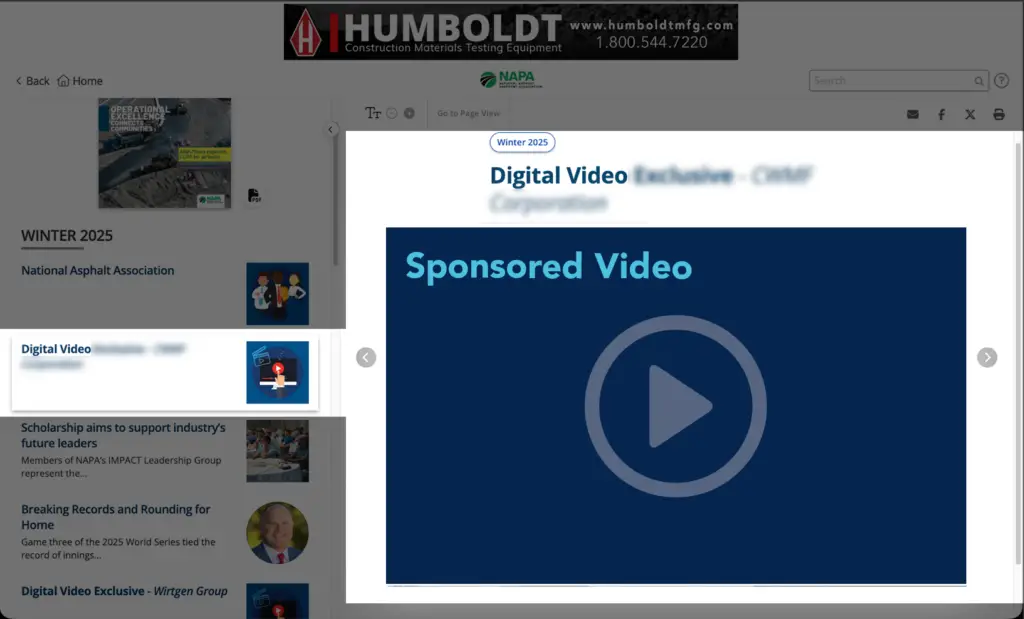
Digital Video Sponsorship
- Creative accepted: preferred embed code from video hosting sites like YouTube or Vimeo. MP4 also accepted
- For video showcase, this will instead be a YouTube link to allow the video player to be embedded on the page
- MP4 video files have a max file size of 100 MB. Site-hosted embedded videos have no file size restriction
- 50 to 70 words are allowed for a video summary. In addition, a 7 to 10-word call to action hyperlinked a hyperlink to the webpage or online file of your choice may be included
- The video sponsorship is placed on its own page and is included as an item in the Table of Contents
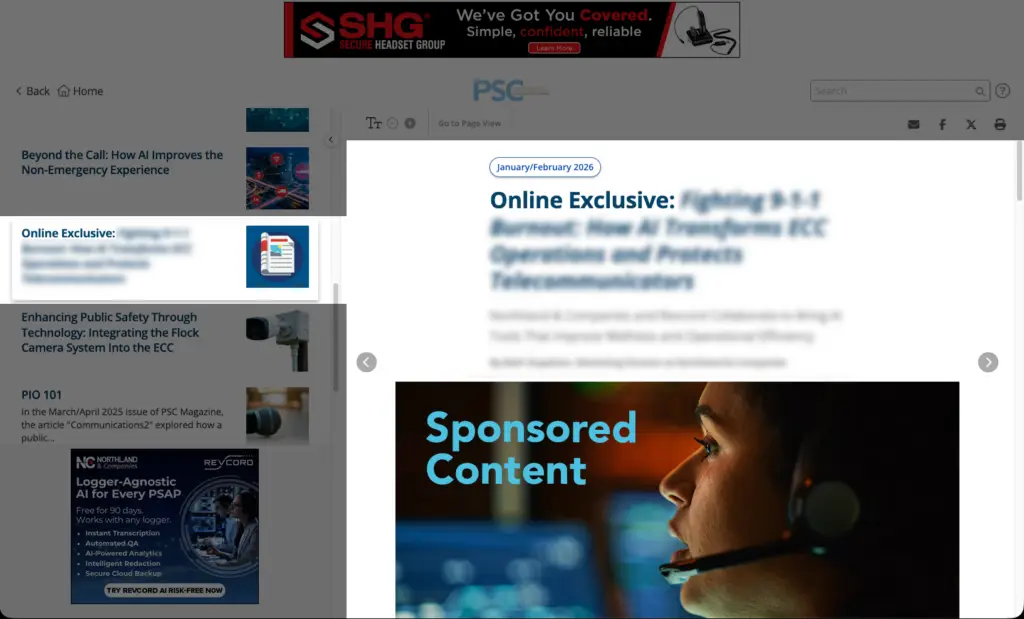
Sponsored Content
- This position is available on limited basis pending association approval
- Article should be supplied in a Word document
- Article should be no more than 2,000 words
- One feature image can be included as well as one company logo
- Either image can be no wider than 600 pixels
- Feature image will also be used as thumbnail on the TOC list (sized at 200 x 200 pixels) unless advertiser supplies another 200 x 200 px image for thumbnail
- Hyperlinks can be included and should be contained within Word document
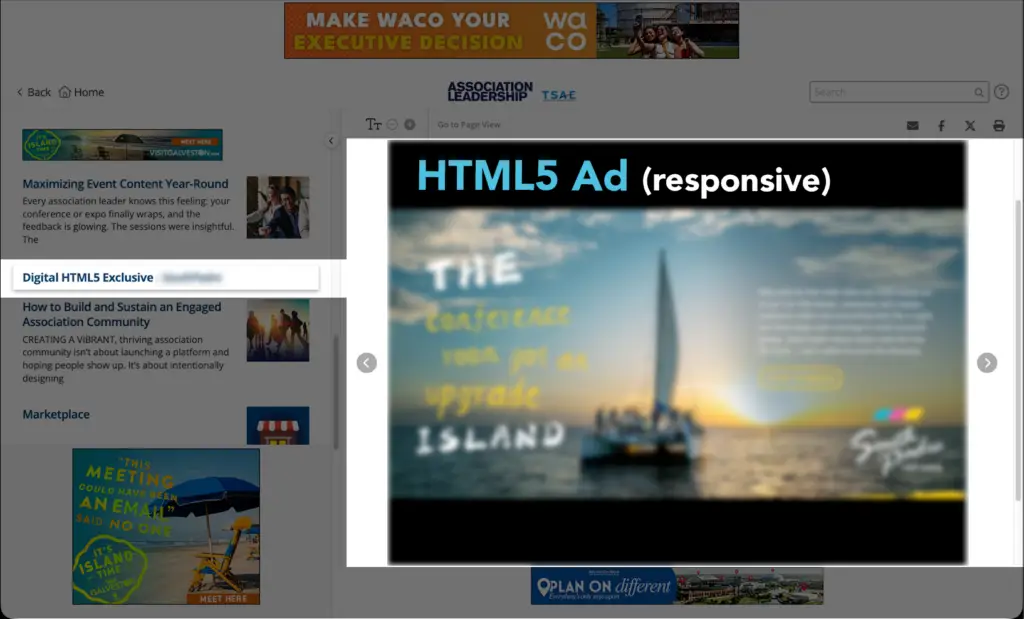
HTML5 Ad
- Variable sizes (up to 1499 wide x 750 pixels deep)
- Creative accepted: HTML file. All referenced assets (images) should be included for offline viewing
- Click here to download the zip folder of ad templates
- The HTML5 ad is responsive across all devices and is variable in terms of content provided. It can include text, images, hyperlinks and video, but must be supplied in a zipped HTML format. HTML5 ads can be placed between any article pages on the HTML version of the digital magazine
- Important note: Naylor can provide creation services for the HTML5 Ad for an artwork creation charge. All above materials would need to be provided
Digital Edition Email Ads
Digital Edition eBlast Sponsored Banner
- Dimensions: 640 x 100 pixels, @ 72 dpi
- Placement: this banner is placed at the top of the eBlast that is delivered to an association’s readership, promoting the latest digital edition issue
- Advertiser supplies the ad or Naylor can create an ad with supplied artwork and text
- Creative accepted: JPG only
- Max file size: 100 KB
- Advertiser supplies URL ad should link to
- Third-party Javascript/iFrame tags are not accepted because ads are delivered through email
- Click-thru tags are accepted, such as UTM codes which can be built through Google UTM builder

Need help formatting your ad or confirming specs?
Contact your Naylor representative or our support team