
General Specifications – GTxcel Platform
- Advertiser supplies the ad, or Naylor can create your ad for a fee
- Any supplied bitmap, vector, or PDF artwork must be 300 dpi
- Any supplied JPG, PNG, or GIF artwork for digital ads must be 72 dpi
- Animated GIFs are accepted on a number of the digital ad options in GTxcel’s page view. However, please be aware that GIFs are compressed and may be viewed at slightly lower resolution
- Minimum of 18 pt font size (depending on font style) is recommended for legibility purposes when viewing digital editions
- Ad server tags and URL click trackers are accepted
- Advertiser supplies URL ad should link to. Email addresses can be used as a URL/Web link
- Third-party JavaScript/iFrame tags are not accepted
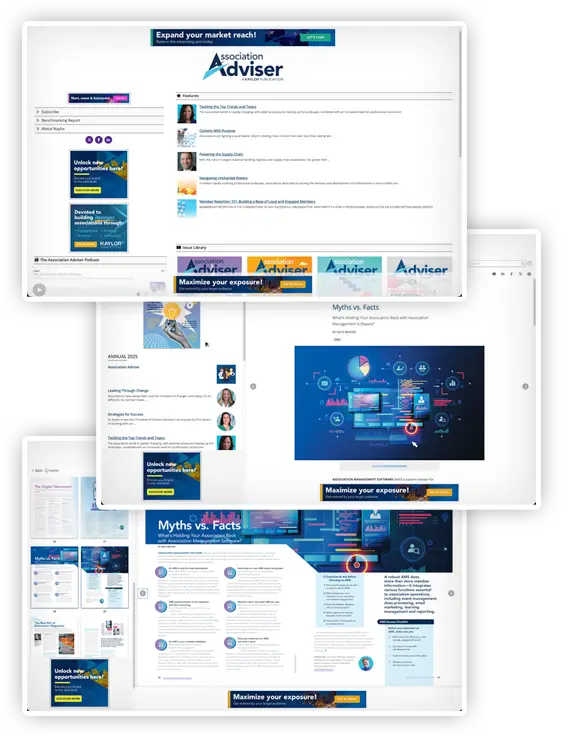
Click here for a live sample of a digital magazine
Run of Site (ROS) Digital Ad Units
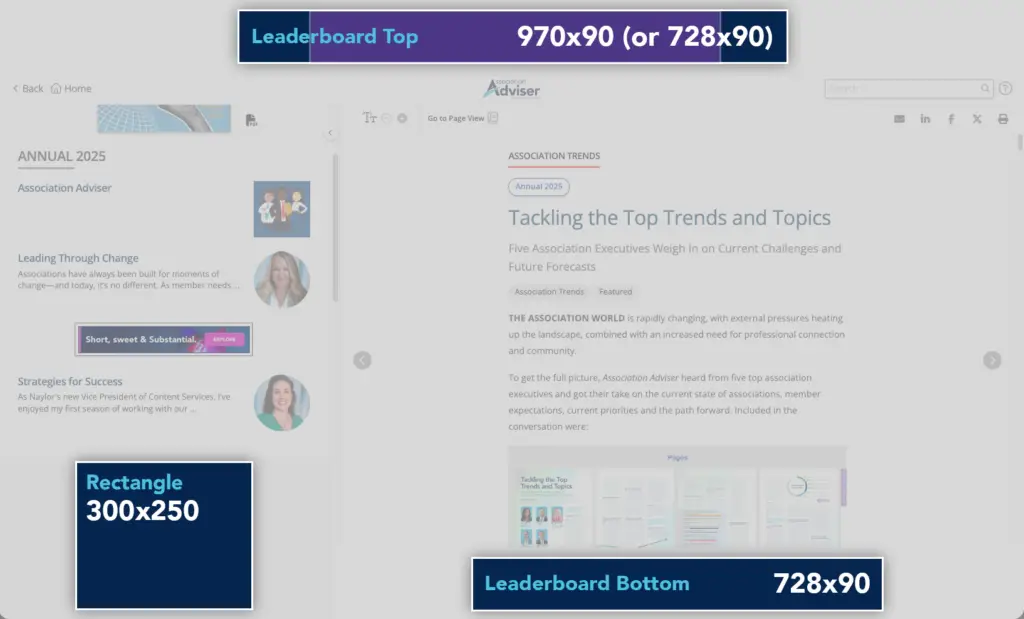
The following positions are purchased for the duration of a digital edition issue, showing on all pages, including the content hub, reading view, and page view of the current issue and all past issues. These positions will be replaced upon publishing of the next issue when a new advertisement is sold.
Leaderboard (Top)
- 970 x 90 pixels (or 728 x 90 pixels), 320 x 50 pixels, @ 72 dpi
- Creative accepted: JPG, PNG, GIF (static or animated)
- 2nd size is required for mobile mobile-responsive display
Leaderboard (Bottom)
- 728 x 90 pixels, 320 x 50 pixels, @ 72 dpi
- Creative accepted: JPG, PNG, GIF (static or animated)
- 2nd size is required for mobile mobile-responsive display
Rectangle
- 300 x 250 pixels, @ 72 dpi
- Creative accepted: JPG, PNG, GIF (static or animated)
Content Hub Exclusive Digital Ad Units
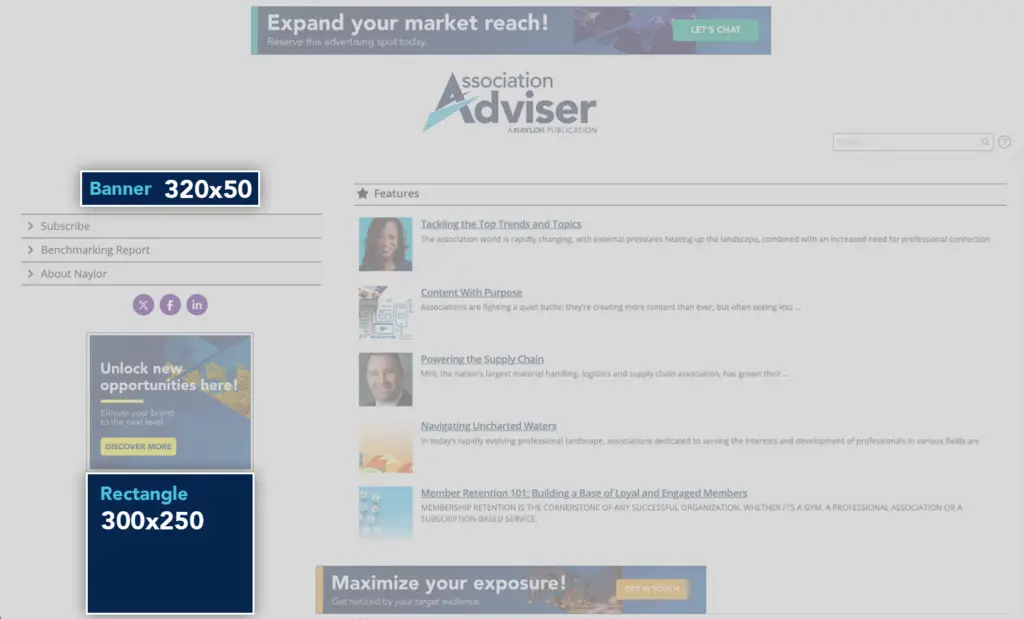
The following positions are exclusive to the content hub, the first destination of all digital edition promotions when a new issue is published, and are purchased for the duration of a single digital edition issue or multiple issues.
Content Hub NavBar Sponsor Ad
- 320 x 50 pixels, @ 72 dpi
- Creative accepted: JPG, PNG, GIF (static or animated)
Content Hub Rectangle
- 300 x 250 pixels, @ 72 dpi
- Creative accepted: JPG, PNG, GIF (static or animated)
Reading View – Per Issue Digital Ad Units
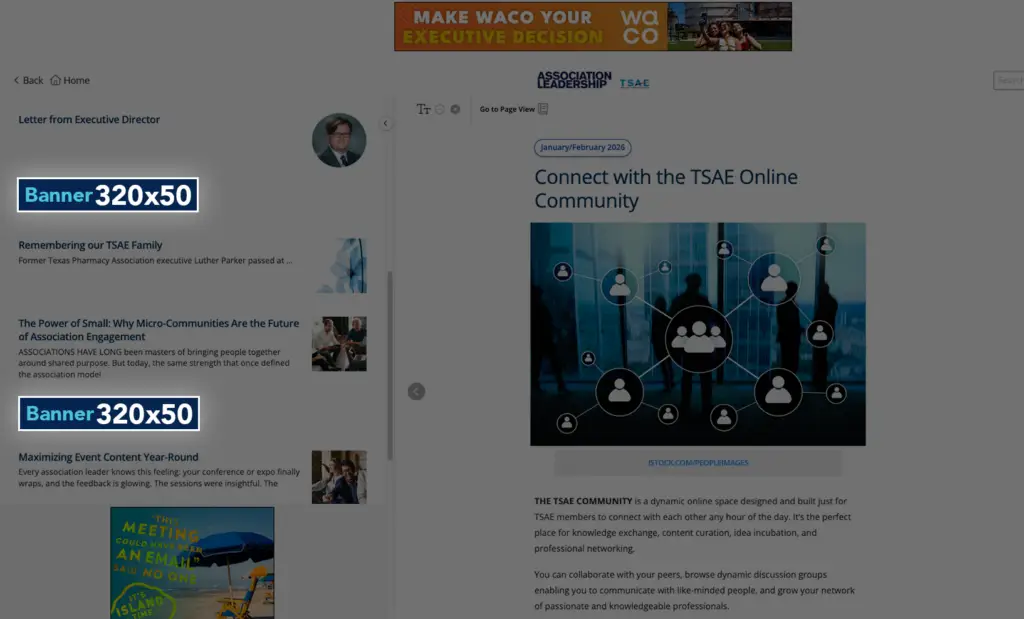
The reading view is the responsive HTML version of the digital edition, optimized for all devices. The following digital positions are purchased per issue and remain on the designated issue for future navigation.
Mobile Table of Contents (TOC) Banner – Reading View
- 320 x 50 pixels, @ 72 dpi
- Creative accepted: JPG, PNG, GIF (static or animated)
- On desktop, the mobile TOC banner appears within the table of contents to the right of the magazine in Reading View. The TOC appears after clicking the Contents icon in mobile view
- The top mobile banner appears after the first article. Subsequent mobile banners appear every two articles
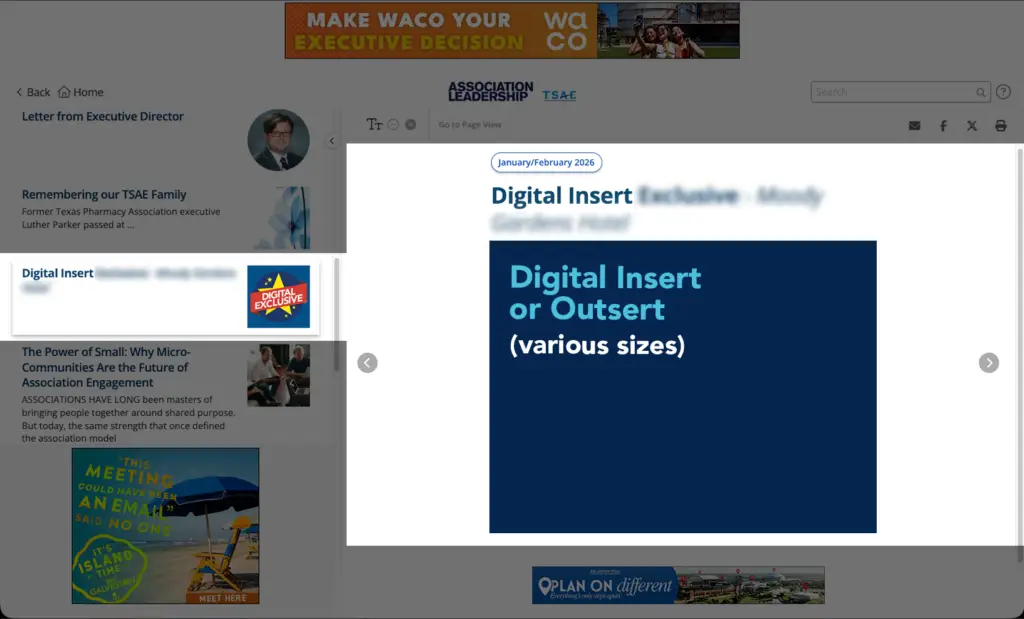
Medium Digital Insert (1/2 Page)
- 8.375 x 4.583 inches, @ 72 dpi
- Creative accepted: JPG, PNG, GIF (static or animated)
- Digital insert ads can be placed between any article pages in reading view, or at the back of the digital magazine as a digital outsert
Large Digital Insert (2/3 Page)
- 8.375 x 6.333 inches, @ 72 dpi
- Creative accepted: JPG, PNG, GIF (static or animated)
- Digital insert ads can be placed between any article pages in reading view, or at the back of the digital magazine as a digital outsert
Full Page Digital Insert
- 7.542 x 9.792 inches, @ 72 dpi
- Creative accepted: JPG, PNG, GIF (static or animated)
- Digital insert ads can be placed between any article pages in reading view, or at the back of the digital magazine as a digital outsert
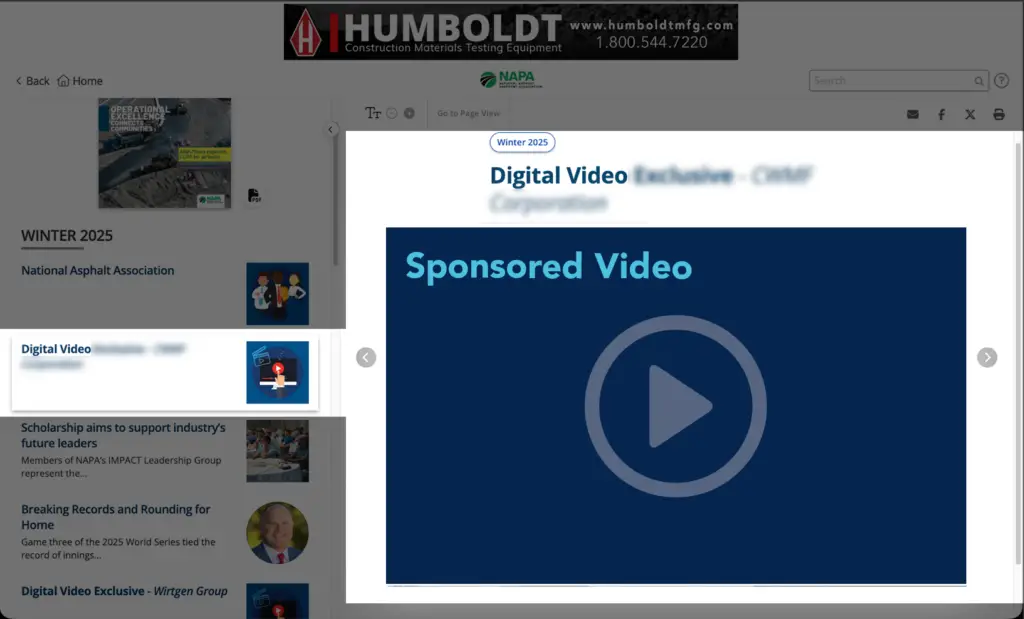
Digital Video Sponsorship
- Preferred embed code from YouTube or Vimeo. MP4 also accepted
- YouTube link required for video showcase embedding
- MP4 files max size: 100 MB. Site-hosted videos have no size limit
- 50–70 words allowed for a video summary, plus a 7–10 word linked call to action
- Video sponsorship is placed on its own page and included in the table of contents
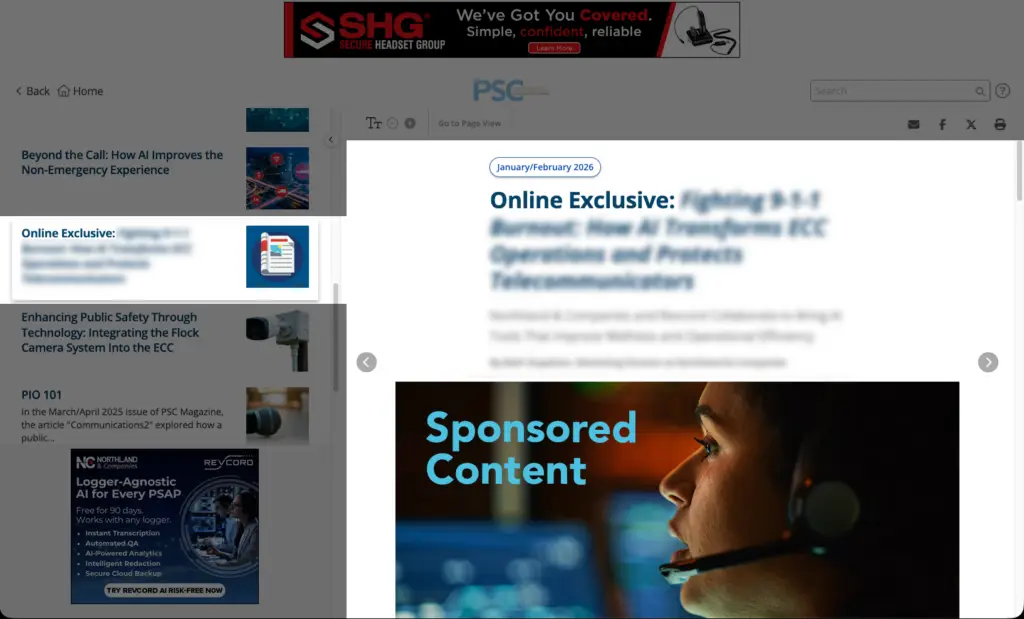
Sponsored Content
- Available on a limited basis pending association approval
- Article must be supplied in a Word document
- Maximum length: 2,000 words
- One feature image and one company logo allowed
- Images may be no wider than 600 pixels
- Feature image is used as the TOC thumbnail (200 × 200 pixels) unless a separate thumbnail image is provided
- Hyperlinks may be included within the Word document
- Example available via linked PDF
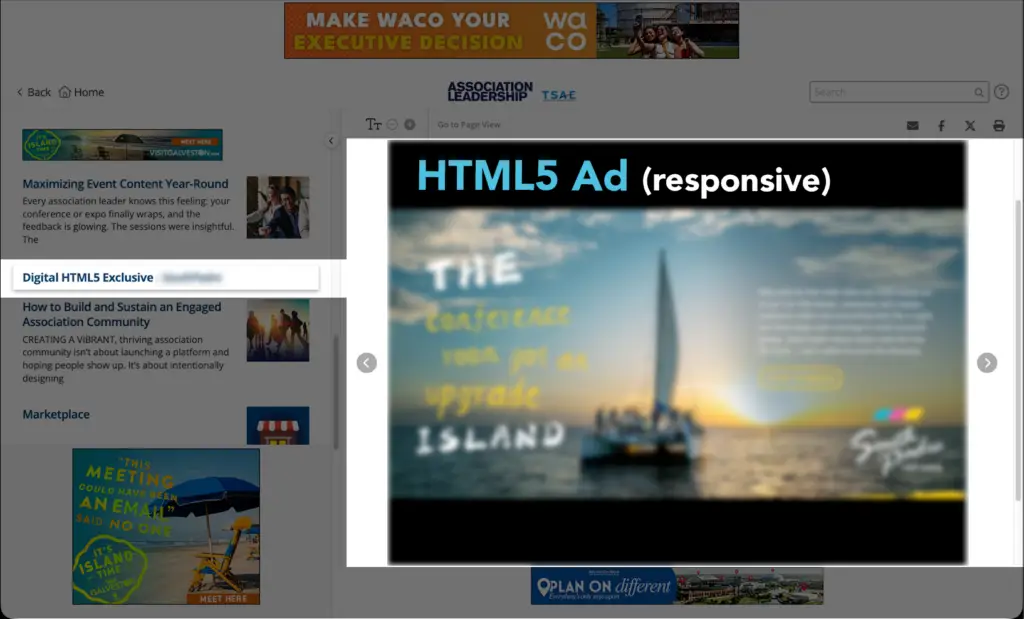
HTML5 Ad
- Variable sizes up to 1499 × 750 pixels
- Creative accepted: HTML file with all referenced assets included for offline viewing
- Download HTML5 ad templates
- HTML5 ads are responsive and may include text, images, links, and video. Files must be supplied as a zipped HTML package
- Important note: Naylor can provide HTML5 ad creation services for an additional fee. All required materials must be supplied
Page View – Per Issue Digital Ad Unit
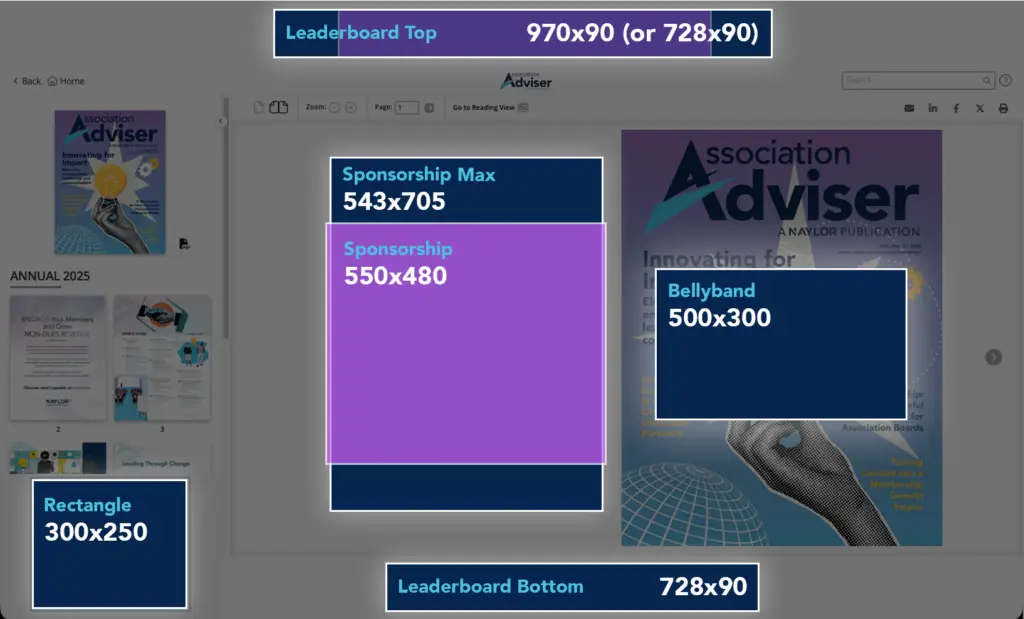
The Page View is the PDF-based replica version of the digital edition, reflecting the traditional view of the publication. The following digital positions are purchased per issue for the page view of the digital edition and will remain on the designated issue on which they were placed for future navigation.
Sponsorship (Standard)
- 550 x 480 pixels
- Creative accepted: PDF @ 300 dpi or JPG, PNG, GIF (static or animated) @ 72 dpi
- The sponsorship ad appears to the left of the digital edition’s cover page and is displayed every time the page view is first accessed
Sponsorship (Max)
- 543 x 705 pixels
- Creative accepted: PDF @ 300 dpi or JPG, PNG, GIF (static or animated) @ 72 dpi
- The sponsorship ad appears to the left of the digital edition’s cover page and is displayed every time the page view is first accessed
Sponsorship (Video)
- Creative accepted: preferred embed code from video hosting sites like YouTube or Vimeo. MP4 also accepted
- MP4 video files have a max file size of 100 MB
- Site-hosted embedded videos have no file size restriction
- The sponsorship ad appears to the left of the digital edition’s cover page and is displayed every time the page view is first accessed
Bellyband
- 500 x 300 pixels @ 72 dpi
- Creative accepted: JPG, PNG, GIF (static or animated)
- The bellyband ad is placed on top of the digital edition’s cover page and is displayed every time the page view is first accessed
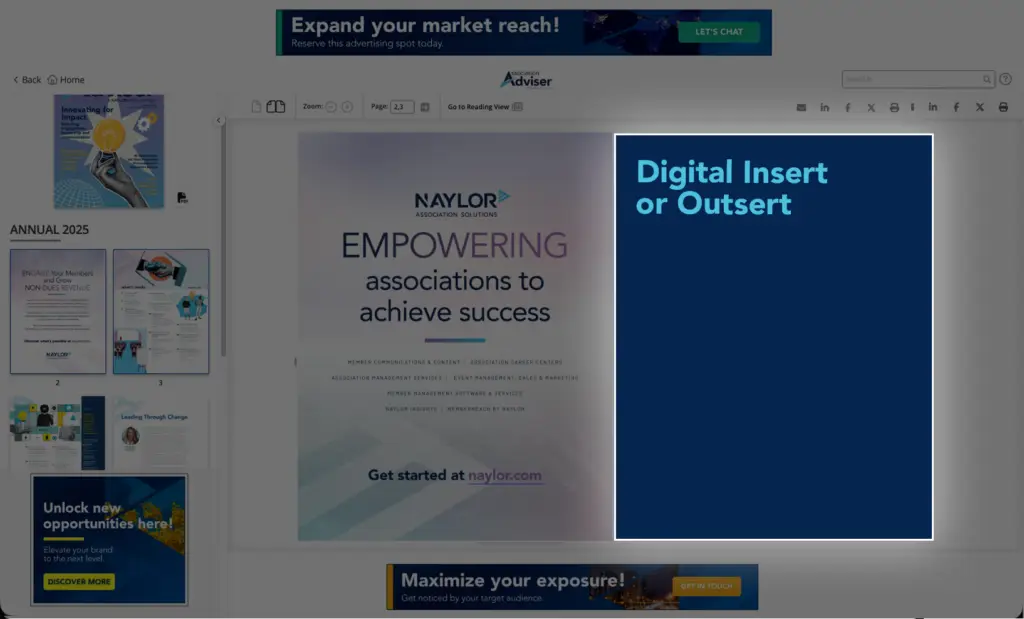
Full Page Digital Insert/Outsert
- 8.375 x 10.875 inches @ 72 dpi
- Creative accepted: JPG, PNG, GIF
- Digital insert ads can be placed between pages in the page view, or placed at the back of the digital edition (as a digital outsert)
Digital Insert Example
Digital Outsert Example
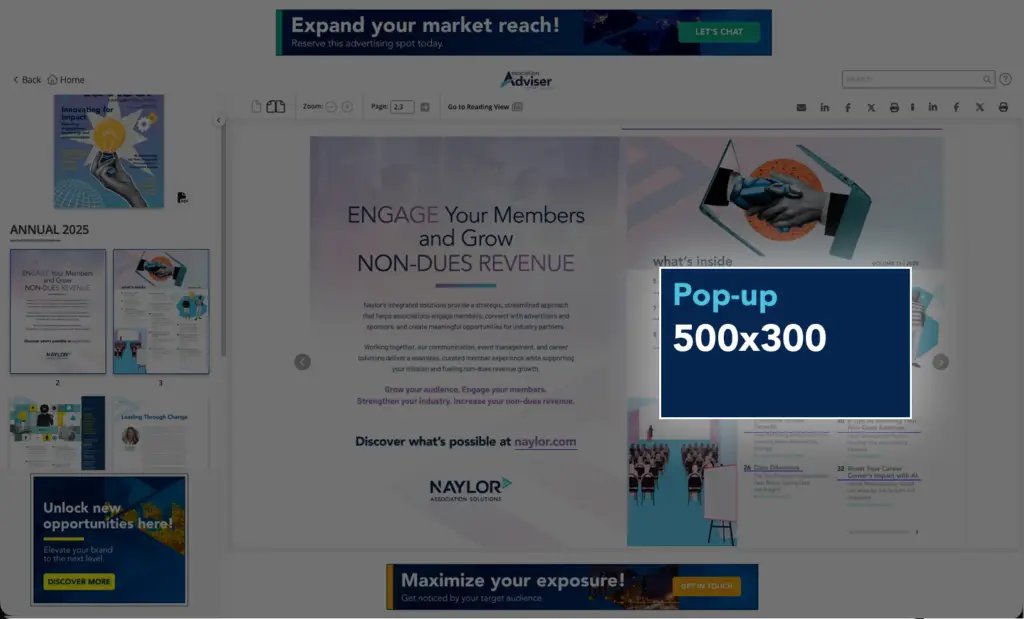
Pop-up Ad (Standard)
- 500 x 300 pixels @ 72 dpi
- Creative accepted: JPG, PNG, GIF (static or animated)
- Digital pop-up ads can be placed on top of key pages in the digital edition’s page view, with the option to read and close out in order to read the page behind it
Pop-up Ad (Video)
- Creative accepted: preferred embed code from video hosting sites like YouTube or Vimeo. MP4 also accepted
- MP4 video files have a max file size of 100 MB
- Digital pop-up videos can be placed on top of key pages in the digital edition’s page view, with the option to watch and close out in order to read the page behind it
Digital Edition Email Ads
Digital Edition eBlast Sponsored Banner
- Dimensions: 640 x 100 pixels @ 72 dpi
- Placement: this banner is placed at the top of the email that is delivered to an association’s readership, promoting the latest digital edition issue
- Advertiser supplies the ad or Naylor can create an ad with supplied artwork and text
- Creative accepted: JPG or static GIF (no animation allowed), max file size: 100 KB
- Advertiser supplies URL ad should link to
- Third-party Javascript/iFrame tags are not accepted because ads are delivered through email
- Click-thru tags are accepted, such as UTM codes, which can be built through Google URL builder

Need help formatting your ad or confirming specs?
Contact your Naylor representative or our support team